
Did you know that a Vehicle Identification Number (VIN) is like a fingerprint for your car? Every VIN is unique, containing critical information about your vehicle’s history, specifications, and even recalls. For car buyers, owners, and enthusiasts alike, decoding a VIN can unlock a wealth of insights, ensuring you make informed decisions about purchasing or maintaining a vehicle. With today’s technology, scanning and decoding a VIN using your phone has never been easier. Imagine being able to access essential data about a vehicle simply by pointing your smartphone’s camera at its VIN. This guide will walk you through the benefits of VIN scanning, showing you how to effortlessly retrieve valuable information that can influence your buying experience or help you stay on top of your vehicle’s service needs. Whether you’re a seasoned car owner or a first-time buyer, understanding how to decode a VIN empowers you to make smarter, more confident automotive choices. Let’s dive into the world of VIN scanning and discover how this tool can enhance your vehicle ownership experience!
Understanding the Basics of a VIN: What It Reveals

The Vehicle Identification Number (VIN) serves as a unique fingerprint for every car, motorcycle, truck, and van, unraveling a trove of information about a vehicle’s identity. Comprised of 17 characters-letters and numbers-the VIN is not just a random selection; it encodes essential details that follow a specific format established by the International Organization for Standardization (ISO). Knowing how to interpret your VIN can empower you as a vehicle owner, enabling you to verify ownership, track recalls, and access vehicle history reports.
A typical VIN reveals crucial data such as the manufacturer, model year, type of vehicle, place of assembly, and even engine specifications. For instance, the first three characters denote the World Manufacturer Identifier (WMI), providing insight into the manufacturer. The subsequent characters delve into specifics like the vehicle’s attributes, including body style, engine type, and transmission. By using a VIN scanner app on your phone, you can quickly decode this information and gain a clearer picture of your vehicle’s history and specifications.
Here’s a quick breakdown of what a VIN can disclose:
- Manufacturer Information: Identifies the company that made the vehicle.
- Make and Model: Details about the specific vehicle model.
- Year of Manufacture: Indicates when the vehicle was built.
- Vehicle Type: Classifies the vehicle (e.g., sedan, SUV, truck).
- Country of Origin: Shows where the vehicle was assembled.
- Vehicle History: Access to previous ownership, accidents, and recalls.
Understanding the basics of your VIN not only enhances your knowledge as a car owner but also equips you with the tools to make informed purchasing decisions or verify the authenticity of the vehicle you intend to buy. By decoding the VIN using a scanner application, you can uncover this valuable information within seconds, removing much of the uncertainty that often accompanies vehicle transactions. This is a crucial step for both new buyers and seasoned owners looking to ensure their vehicle’s integrity and history.
How to Find Your Vehicle’s VIN Easily
Finding your vehicle’s VIN can be quick and straightforward once you know where to look. This important identifier is typically displayed in several accessible locations on your car, whether it’s a car, truck, or motorcycle. The VIN is a 17-character string of numbers and letters that holds vital information about your vehicle. Knowing how to locate it can save you time and trouble, especially when you’re looking to verify vehicle history or perform maintenance checks.
Start by checking the driver’s side dashboard, where the VIN is often visible through the windshield. Simply glance to the lower corner of the driver’s side, and you should see a metal plate with the VIN printed on it. Alternatively, you can also find the VIN on the driver’s side door jamb, which is the area where the door latches to the car body. When you open the door, you’ll see a sticker or label that displays the VIN along with other important vehicle specifications.
For those who prefer digital access or are unable to find the VIN physically, many manufacturers provide mobile apps or websites that allow you to submit your vehicle’s details to retrieve its VIN. For instance, a reputable app that decodes VINs will prompt you to enter specific vehicle data or scan a barcode for quick identification, ensuring you have the right information at your fingertips. This is especially useful for vehicle buying decisions, as it allows instant access to a car’s history report and its background.
When searching for your VIN, remember that consistency matters. Each character in the VIN carries particular significance, and verifying that you’ve correctly noted it is crucial. If you’re still having trouble locating it, consult the owner’s manual for your vehicle, which usually provides comprehensive details on where to find the VIN for your specific model. With these tips, you’ll be empowered to locate your VIN easily and make informed decisions about your vehicle.
The Importance of Decoding Your VIN

Decoding your Vehicle Identification Number (VIN) unlocks a wealth of information about your car, making it an essential step for any vehicle owner or buyer. Each of the 17 characters in a VIN encapsulates vital details, including the manufacturer, model year, engine type, and even safety ratings. This sheer depth of information means that knowing how to decode a VIN can empower you to make informed decisions, whether you’re in the market for a new vehicle or simply ensuring the one you own is safe and reliable.
Understanding your VIN can also help you avoid potential scams. For instance, a VIN check can reveal if a vehicle has been reported as stolen or has a history of severe damage-information that the seller might be hesitant to disclose. By using a VIN scanner on your phone, you can instantly access this data right from the dealership or the seller’s driveway. Apps that allow for VIN scanning provide a seamless way to verify details on the spot, reducing the chances of making an impulsive purchase that could lead to future headaches.
Additionally, decoding your VIN is crucial for keeping track of recalls and repairs. Each VIN is connected to specific data points, like recall notices that may affect your vehicle model. Being informed about recalls can save you from potential safety hazards and often leads to free repairs from manufacturers-a benefit you wouldn’t be aware of without checking your VIN. Therefore, using a smartphone app or online tool to decode your VIN is not just convenient; it is an essential part of responsible car ownership.
In summary, decoding your VIN is a straightforward yet powerful step that enhances transparency in vehicle ownership. Whether you’re verifying your vehicle’s history, ensuring it meets safety standards, or making a well-informed purchasing decision, understanding what your VIN reveals can significantly benefit you as a car owner or buyer. Don’t overlook this critical tool in your automotive toolkit.
Top VIN Scanner Apps for Your Smartphone
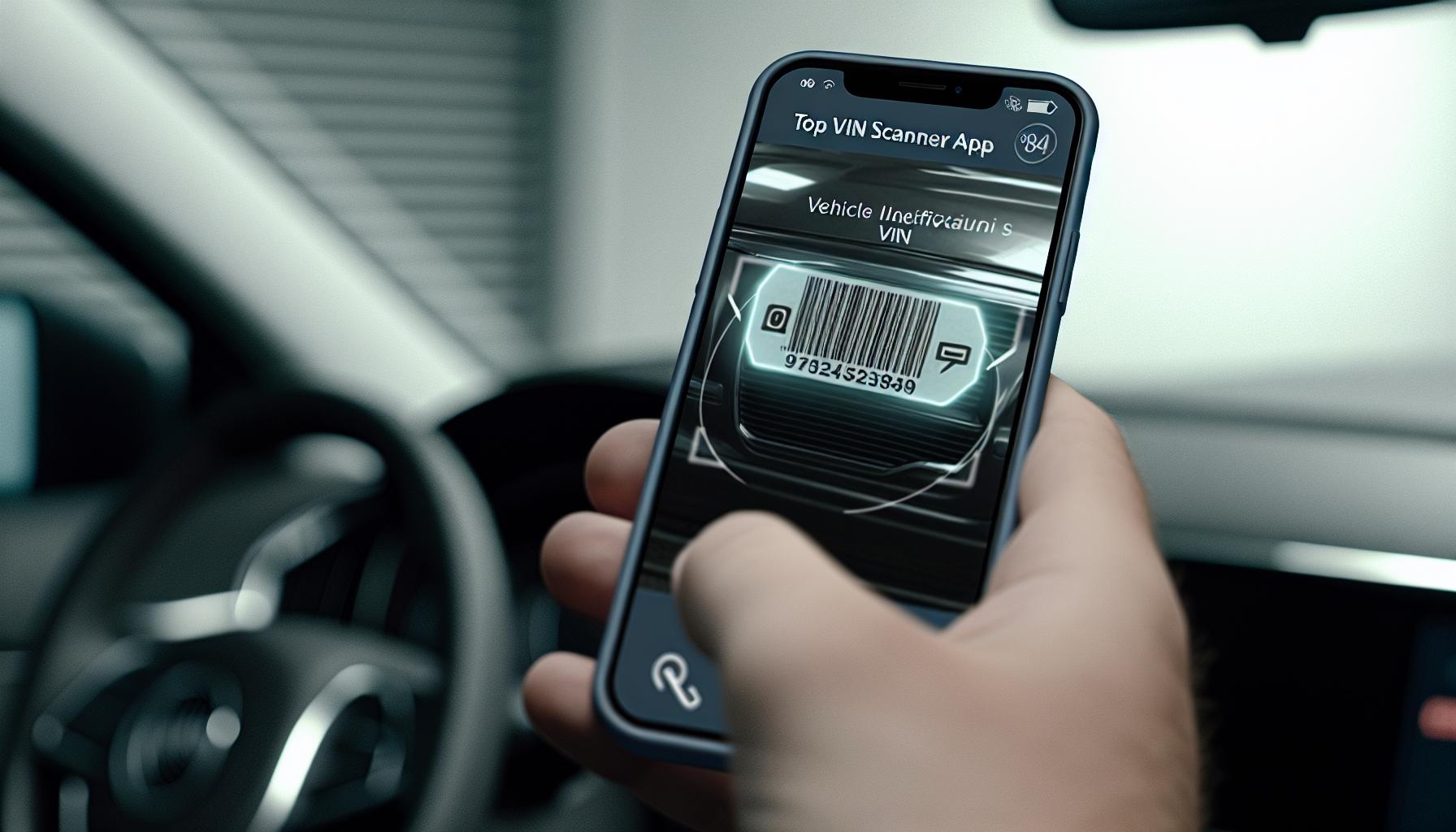
In the age of smartphones, decoding a Vehicle Identification Number (VIN) has never been easier. With a plethora of VIN scanner apps available, car buyers and owners can access critical information about their vehicles with just a few taps on their phone. These apps allow users to verify vehicle history, uncover specifications, and even check for recalls on the spot, ensuring that you are not left in the dark during a purchase. Here’s a look at some of the top apps designed to help you make informed decisions.
Popular VIN Scanner Apps
- Carfax
Carfax is one of the most trusted names in vehicle history reporting. Their mobile app provides users with the ability to scan a VIN and access detailed reports that include accident history, service records, and title information. This app is particularly useful for potential buyers looking to verify the history of a used car before committing to a purchase.
- VIN Check Pro
This app offers a comprehensive database that can reveal detailed vehicle information based on its VIN. Users can check for salvaged titles, odometer readings, and whether the car has been reported stolen. The straightforward interface makes it easy to use, even for those less tech-savvy.
- AutoCheck
Similar to Carfax, AutoCheck specializes in providing vehicle history reports. The app allows users to scan a VIN and receive extensive details about a car’s past, including its score against similar models. This can be particularly beneficial for buyers who want reassurance about their purchase.
- iSeeCars VIN Checker
This app is an excellent resource for car shoppers. It provides not only a VIN check but also market value estimates, allowing users to ensure they are getting a fair deal. The app is user-friendly and offers insights into the vehicle’s history as well.
- NHTSA’s VIN Lookup
The National Highway Traffic Safety Administration offers a VIN lookup tool that specifically focuses on recalls. It’s crucial for car owners to know if there are any outstanding safety issues with their vehicle, and this app makes that information readily accessible.
Why Use a VIN Scanner App?
Using a VIN scanner app is beneficial for several reasons:
- Immediate Access to Information: You can get crucial vehicle details instantly, which is invaluable when negotiating price or determining vehicle value.
- Avoiding Scams: Accessing a vehicle’s history through these apps can help you identify potential scams or undisclosed issues that would otherwise lead to costly mistakes.
- Convenience: VIN scanner apps allow you to decode a vehicle’s information right from your smartphone, making them especially useful when you are at a dealership or inspecting a car.
By leveraging these smartphone apps, car owners and buyers can enhance their understanding of vehicle histories and specifications, thus making informed and confident decisions. Whether you’re buying, selling, or simply curious about your vehicle, a VIN scanner app is an essential tool in today’s automotive landscape.
Step-by-Step Guide: Scanning Your VIN with Your Phone
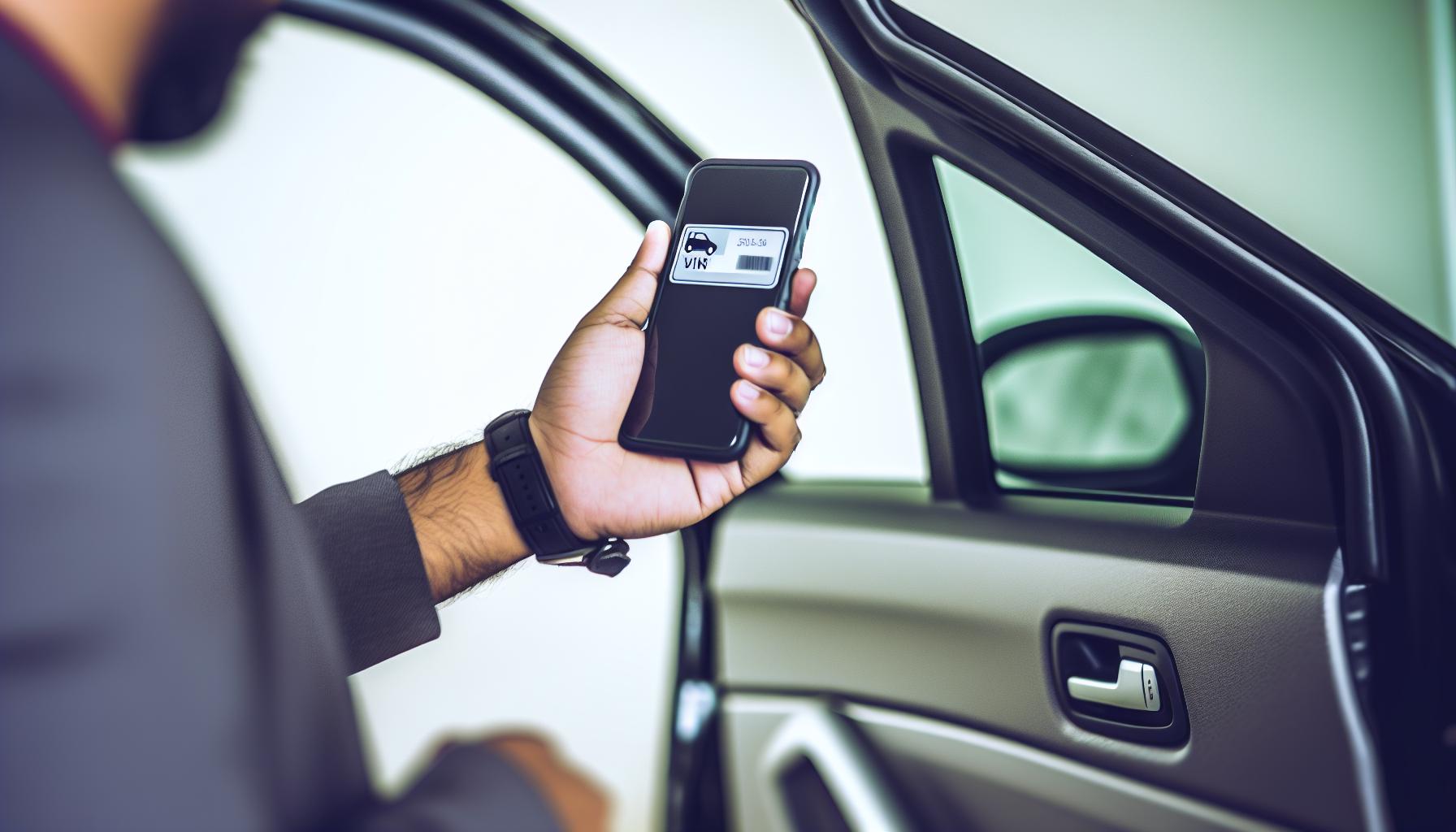
Scanning your Vehicle Identification Number (VIN) with your smartphone is a straightforward process that can unlock a wealth of information about your vehicle. This 17-character code provides insights into everything from the car’s make and model to its safety history. With user-friendly VIN scanner apps available, the task has never been easier or more efficient. Here’s how you can harness the power of these apps to decode your VIN and access vehicle details quickly.
Begin by downloading a VIN scanner app from a trusted source. Popular options include Carbly, which uses your camera to automatically detect VINs, or iSeeCars, which not only verifies the VIN but also offers valuable history reports and market insights. After installing your chosen app, open it and navigate to the scanning feature. Make sure you have adequate lighting; this helps the app accurately read the VIN.
To find the VIN on your vehicle, look in common locations such as the lower corner of the driver’s side windshield, on the driver’s side door jamb, or inside the engine bay. Once you’ve located the VIN, align your smartphone camera with the number. Most scanner apps will have a feature that allows you to take a picture or automatically capture the VIN when it’s properly aligned. Within moments, the app will decode the VIN and present you with detailed vehicle information, including the manufacturer, model year, engine type, and more!
Taking it a step further, many apps provide history reports that can reveal whether the vehicle has been involved in accidents, had recalls, or suffered any title issues. This information is crucial when considering a purchase or diagnosing potential problems with your current vehicle. Plus, accessing this data from your phone adds a layer of convenience that keeps you informed, whether you’re at a dealership or inspecting a car in a private sale. Utilizing these steps will empower you to make better, more informed decisions when it comes to your automotive needs.
Interpreting VIN Details: What Each Section Means
Each Vehicle Identification Number (VIN) is a unique 17-character code that provides comprehensive details about a vehicle. Understanding what each part of the VIN represents can empower you as an owner or potential buyer, enabling informed decisions and enhancing your knowledge about vehicle history and specifications.
The VIN is divided into three main segments: the World Manufacturer Identifier (WMI), the Vehicle Descriptor Section (VDS), and the Vehicle Identifier Section (VIS).
World Manufacturer Identifier (WMI)
The first three characters of the VIN form the WMI, indicating the vehicle’s manufacturer. For example:
- 1HG: Honda (United States)
- JHM: Honda (Japan)
- WVW: Volkswagen (Germany)
This segment provides the geographical region of manufacture and helps identify the car’s manufacturer, vital for verifying authenticity and determining recalls.
Vehicle Descriptor Section (VDS)
Characters four through eight comprise the VDS, which detail the vehicle’s model, body type, engine type, and safety features. Each manufacturer has a specific coding system, but here’s a general breakdown:
- Model Code: Typically represented in characters four and five, this reveals the specific model of the car.
- Engine Type: This indicates the engine variant and performance features.
- Body Style: A character (often six) may denote if it’s a sedan, coupe, SUV, etc.
Vehicle Identifier Section (VIS)
The last eight characters form the VIS, providing vital information like the production year, assembly plant, and production number. For example:
- 9: Indicates the vehicle was made in 2009.
- 2: Denotes it was assembled in a specific plant.
- The last characters usually represent the individual vehicle’s serial number.
Why Understanding VIN Matters
By decoding your vehicle’s VIN, you uncover key specifics that offer insights into your car’s history, such as prior ownership, accident reports, and recalls. Additionally, when considering a purchase, knowing how to interpret a VIN allows you to verify if the vehicle matches its advertised specifications and to detect any discrepancies that could indicate issues.
In summary, recognizing what each section of the VIN conveys is crucial for vehicle verification and assessment. It enhances your understanding of the vehicle, ensuring you make informed decisions, whether you’re maintaining your own car or shopping for a new one. Empower yourself with this knowledge to navigate the complex world of automotive ownership and purchasing more effectively.
Using a VIN to Verify Vehicle History
Understanding the history of a vehicle is crucial for making informed decisions, whether you’re considering a purchase or assessing reliability as an owner. Your vehicle’s VIN acts as a portal to this information. Essentially, the VIN encapsulates a wealth of data about the car’s past, including its registration status, accident history, and any outstanding recalls. Many tools and apps allow you to input your VIN and retrieve detailed reports that can save you from future headaches.
To verify a vehicle’s history using its VIN, start by using a reliable VIN decoding service. Several free options enable you to check essential details about the car. For instance, websites like Driving-Tests.org and NHTSA’s VIN decoder provide valuable insights by pulling information directly from government databases. You simply enter the 17-digit VIN, and within moments, you can view crucial data, including the car’s make, model, year, and even historical information such as title changes and accident reports.
It’s not enough to know how to find your VIN; effective utilization requires understanding what the information reveals. Key aspects to look for include any history of damage reported by insurance companies, whether the vehicle has been declared a total loss, and any recalls that may still be active. This information helps assess whether a vehicle has been well-maintained or if it might pose potential problems down the road. Additionally, reviewing the vehicle’s service history helps ensure that it has undergone regular maintenance, which directly impacts its longevity and performance.
Incorporating technology into this process can streamline verification significantly. Many smartphone apps allow you to scan the VIN directly from the dashboard or registration documents, meaning you can perform checks while at a dealership or viewing a used car. By harnessing this technology, you empower yourself as a buyer or owner, ensuring that your decisions are backed by solid data rather than assumptions.
Common Problems with VIN Scanners and Solutions
Navigating the world of VIN scanning can sometimes be a bumpy ride, and users may encounter various challenges that hinder their ability to retrieve accurate information. Understanding these common problems and knowing their solutions can enhance your experience and ensure that you make informed decisions when it comes to your vehicle.
One frequent issue users face is the inability to scan the VIN due to poor camera focus or lighting conditions. Many smartphone VIN scanning apps rely heavily on the camera’s ability to capture a clear image of the VIN, which is often located on a shiny surface or in a dimly lit area. To improve scanning accuracy, try these tips:
- Ensure good lighting when scanning.
- Hold the camera steady and at the correct angle.
- Clean the area where the VIN is located to reduce glare and improve visibility.
Another problem is the incompatibility of some apps with specific vehicles or VIN formats. Some apps may not support vehicles from certain manufacturers, leading to error messages or no results upon scanning. It’s advisable to check app descriptions for compatibility information before downloading. If you encounter this issue, consider switching to well-established apps that have a broader database for better results. Popular options like VinAudit or the official NHTSA VIN Decoders are more likely to provide comprehensive coverage across various makes and models.
Lastly, users may experience data inconsistency or outdated records when using VIN scanners. Sometimes, the reports generated by these apps may not reflect the most current status of a vehicle, such as recent accidents, recalls, or changes in ownership. To mitigate this risk, always cross-reference findings with multiple sources or reputable VIN lookup services, like the Kelley Blue Book VIN decoder or Official VIN Registry, which pull updated information from authoritative databases. Staying informed about these potential hiccups ensures that you can navigate the world of VIN scanning with confidence, leading to smarter and safer vehicle ownership decisions.
How to Use VINs for Vehicle Buying Decisions
Understanding how to utilize your vehicle’s VIN (Vehicle Identification Number) can significantly empower your buying decisions. A VIN is like a fingerprint for your vehicle; it encapsulates crucial information about its history, specifications, and even market value. When considering a purchase, scanning the VIN with a smartphone app provides immediate insights-no more guesswork involved. You can uncover valuable details such as previous ownership, accident history, and any recalls affecting the vehicle, making it an indispensable step in the buying process.
One effective approach is to start by scanning the VIN before visiting a dealership or making a private sale. Utilize user-friendly apps like those mentioned earlier to decode the VIN. By entering or scanning the VIN, you can access reports that reveal the vehicle’s title status, mileage verification, and whether it’s been involved in any major incidents. For instance, if you discover that a car you were considering has had multiple owners in a short period, it might raise a red flag about its reliability or condition.
It’s also worth comparing the asking price of the vehicle you’re interested in against available market data. Many VIN scanner apps offer insights into the market value alongside depreciation trends and recent sales data. This information can put you in a stronger negotiating position. If the seller’s price exceeds the average market value without justification, you’re equipped to negotiate more effectively.
Lastly, ensure that you perform this VIN check after establishing the vehicle you want but before finalizing the purchase. This step helps verify that the car matches the seller’s description and hasn’t been misrepresented. Leveraging the insights gained from a VIN scan allows you to make informed decisions, ultimately leading to safer and more satisfying vehicle ownership.
Advanced VIN Features: Custom and Specialty Vehicles
Unlocking the potential of your vehicle’s VIN (Vehicle Identification Number) goes beyond the basics, especially when dealing with custom and specialty vehicles. These unique vehicles-ranging from classic cars to modified builds-often have distinct aspects that standard VIN decoders may not fully capture. Specialty vehicles might be subject to different regulations, insurance considerations, and market valuations compared to their mass-produced counterparts. Utilizing a VIN scanner tailored for such vehicles can reveal critical insights that help in understanding their history and current value.
One of the primary advantages of using advanced VIN scanning technology is the ability to decode manufacturer-specific information. For example, luxury brands like Ferrari or Lamborghini often have their own decoding requirements and can reveal facts about limited editions, factory modifications, and unique specifications that might not be evident through general VIN checks. Some VIN scanner apps even provide features that highlight its original factory options, which can be crucial for assessing a custom vehicle’s authenticity and potential investment value.
Additionally, many advanced VIN scanners will document any modifications made to a vehicle, which is especially important in the custom automotive world. Whether it’s an engine swap, suspension changes, or aftermarket body kits, these alterations can significantly impact the vehicle’s market price and reliability assessment. Scanning the VIN helps buyers confirm that a vehicle’s modifications match up with what was communicated by the seller, helping avoid costly misunderstandings later.
Beyond just market and specification details, VIN scanners can also delve into safety recalls and compliance-information that can be critical when purchasing modified or custom vehicles. Certain modifications may not comply with safety regulations, making this aspect a significant consideration for both buyers and sellers. Armed with this information, potential buyers can make informed decisions that prioritize safety and compliance, ultimately leading to a more satisfying ownership experience.
The world of custom and specialty vehicles is rich with possibilities, and understanding what your VIN reveals through advanced scanning is essential. Whether you’re looking to buy, insure, or simply appreciate these unique vehicles, being well-informed is key to navigating their complexities.
Comparing VIN Scanners: Features and Usability
Selecting the right VIN scanner app can make a substantial difference in how effectively you decode a vehicle’s unique identifier. With numerous options available, understanding key features and usability will empower you to make an informed choice. A high-quality VIN scanner not only retrieves basic data but also provides deeper insights into a vehicle’s history, including recalls, specifications, and past ownership details.
When comparing VIN scanners, consider the following features:
- Database Access: Ensure the app pulls data from credible sources like the National Highway Traffic Safety Administration (NHTSA) or other official databases. This guarantees the information is accurate and up-to-date.
- User Interface: A straightforward and intuitive user interface can enhance your experience. Look for apps that enable quick scanning, simple navigation, and easy-to-read reports.
- Additional Features: Some scanners offer advanced capabilities such as identifying vehicle recalls, providing detailed specifications, or showing historical data. Apps that include these functionalities can provide better value for users interested in comprehensive vehicle information.
- Compatibility: Ensure the app works on your smartphone’s operating system. Many scanners are available for both iOS and Android, but check compatibility before downloading.
For practical use, the workflow in a good VIN scanner should be seamless. You want to quickly scan the VIN with your phone’s camera and receive instant feedback without excessive loading times. Some popular apps in this category include Carfax, which offers thorough vehicle history reports, and VINCheckPro, known for its extensive data and user-friendly interface. Consider downloading a few different options and evaluate their performance based on your specific needs, such as ease of access to detailed reports or the clarity of the interface.
Additionally, user reviews and comparative ratings can provide insight into real-world usability. Feedback from actual users often sheds light on the strengths and weaknesses of each app, helping you to navigate any potential issues before they affect your vehicle buying or ownership experience. By prioritizing these features and usability factors in your search for a VIN scanner, you can enhance your understanding of vehicles and make more informed decisions in your automotive pursuits.
Safety and Security: Protecting Your VIN Information
In our increasingly digital world, protecting your vehicle’s VIN (Vehicle Identification Number) is more crucial than ever. Your VIN is not just a series of characters; it’s a unique identifier that can reveal a treasure trove of information about your vehicle, including its history, specifications, and any recalls. However, it can also become a target for identity theft and fraud if not safeguarded properly. Understanding how to protect this sensitive information can save you from potential headaches down the line.
To maximize security, start by limiting where you share your VIN. Only disclose it when absolutely necessary, such as during a sale or when conducting a vehicle history check through trusted services. When using a VIN scanner app, ensure that it has robust security measures in place, such as encryption and secure connections. Read privacy policies to understand how your data is being used and stored. High-quality apps, like Carbly, prioritize user security and provide transparent information about their data handling practices.
Additionally, be cautious with any digital or printed documentation that includes your VIN. Store pertinent records safely and avoid posting images online where the VIN may be visible. A proactive approach is also critical; if you suspect that your VIN has been compromised, quickly run a history check using a trusted provider or a reliable VIN decoder such as Vindecoderz to monitor for any suspicious activity linked to your vehicle.
Lastly, educate yourself about common scams that involve VINs, such as fake vehicle listings or fraudulent documentation. Keeping informed and vigilant can significantly bolster your defenses against potential threats. By taking these steps, you can confidently navigate vehicle transactions while ensuring your VIN remains secure.
Faq
Q: How can I scan a VIN using my smartphone?
A: You can scan a VIN by downloading a dedicated VIN scanner app on your smartphone. Open the app, use your camera to focus on the VIN, and the app will decode the information automatically. This method is quick and convenient for accessing vehicle details on the go.
Q: What information can I obtain from scanning a VIN?
A: Scanning a VIN provides information about the vehicle’s manufacturer, model, year of production, and history, including accidents and title status. This data is crucial for verifying a vehicle’s legitimacy before purchase, ensuring you make an informed decision.
Q: Are there any free VIN scanner apps available?
A: Yes, there are several free VIN scanner apps available, such as Carfax and VINCheck.info. These apps allow you to scan and decode VINs without any cost, although some may offer premium services for more detailed reports.
Q: Can I use a VIN scanner app for any vehicle?
A: Yes, a VIN scanner app can be used for virtually any vehicle, provided it has a readable VIN. This includes cars, trucks, motorcycles, and even commercial vehicles, allowing you to easily gather information regardless of the type.
Q: What should I do if my VIN scanner cannot read the VIN?
A: If your VIN scanner cannot read the VIN, check for clarity and lighting conditions as dirt or poor visibility may hinder scanning. You can also try manually entering the VIN directly into the app to access the information, ensuring you entered it accurately.
Q: How secure is my personal information when using a VIN scanner app?
A: Most reputable VIN scanner apps prioritize user privacy and security. Always read their privacy policy to understand how your information is used, and opt for apps that do not require unnecessary personal data during the scanning process.
Q: How often should I check a vehicle’s VIN?
A: It’s advisable to check a vehicle’s VIN before any purchase and periodically afterward for history updates. Regular checks can reveal issues like recalls or changes in ownership that may impact the vehicle’s value or safety status.
Q: Can a VIN decoder app help if I’m buying a used car?
A: Absolutely! A VIN decoder app is an excellent tool when buying a used car. It helps verify the car’s history, uncover potential red flags, and confirm that the details match the seller’s claims, providing peace of mind during your purchase process.
The Conclusion
Ready to unlock the secrets your vehicle holds? With our VIN Scanner app, you can effortlessly scan and decode any vehicle’s VIN, uncovering essential details like the make, model, and engine specifications-all from your phone. Don’t miss out on important insights that can aid your buying or ownership journey. Check it out now and empower your decisions today!
For more in-depth knowledge, explore our articles on how to check a vehicle’s history with tools like CARFAX or iSeeCars, and learn about common FAQs regarding vehicle identification numbers. Dive deeper into the world of automotive transparency and enhance your expertise!
Act now and ensure you’re making well-informed choices-your next automotive adventure is just a scan away. Have questions or want to share your experiences? Leave a comment below, and let’s keep the conversation going!